
Creating Customizable Templates for Appointments - Watch Video
Purpose of this Video
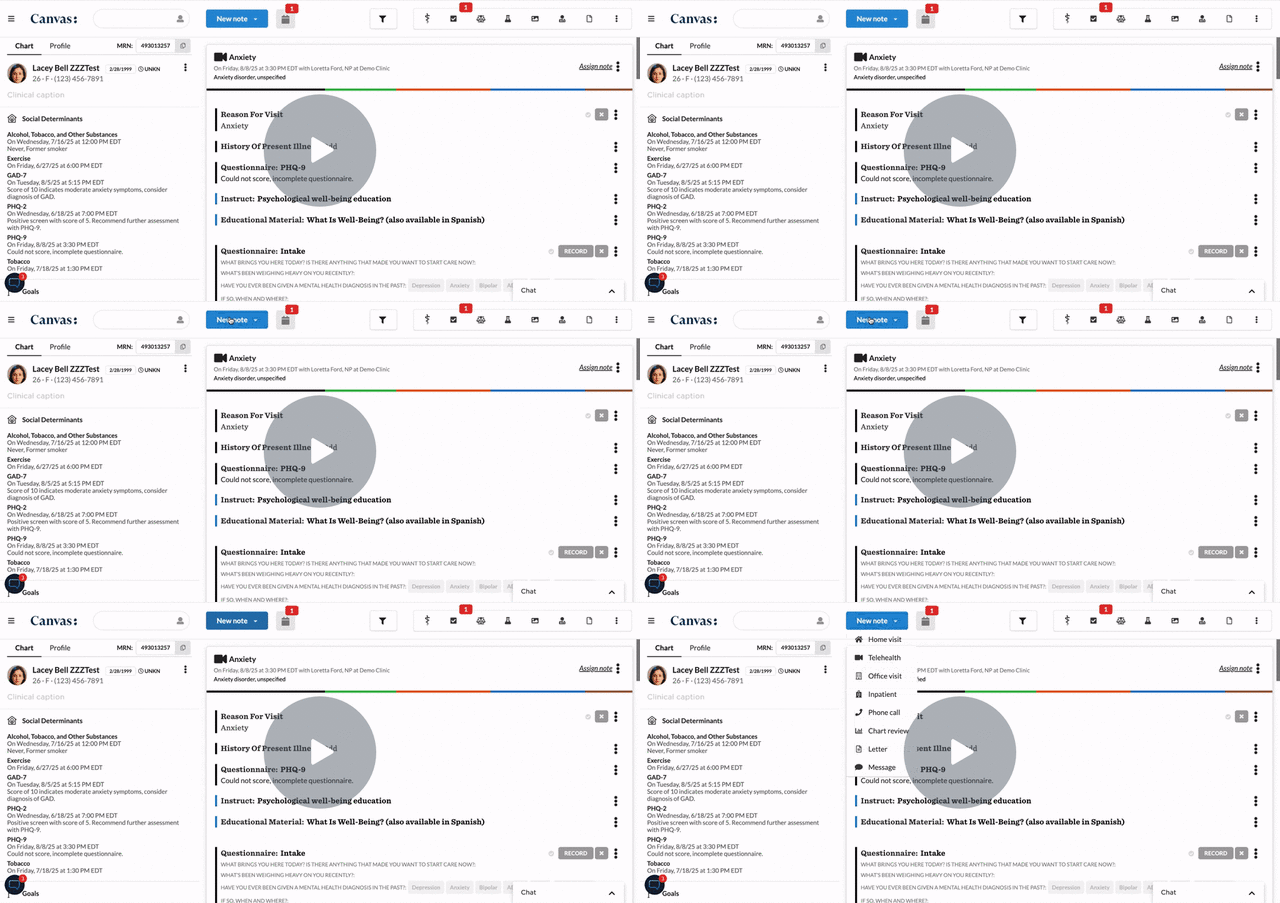
This video walks through how to create and customize appointment templates in Canvas EHR. It’s designed for clinic administrators and scheduling staff who manage provider calendars, helping them efficiently set up recurring visit types, durations, and time blocks for consistent scheduling across the practice.
What You’ll Learn
-
How to access and open the appointment templates section
-
Creating new templates for common visit types (e.g., follow-ups, new patient visits)
-
Editing template details such as duration, provider, and appointment name
-
Assigning templates to provider schedules for recurring use
-
Tips for maintaining consistency across multiple users and schedules
Key Takeaways
-
Appointment templates save time and standardize scheduling across the clinic.
-
Templates ensure consistent visit durations and naming conventions.
-
Admins can quickly update templates as workflows or provider availability change.
-
Efficient scheduling setup supports smoother daily operations and fewer booking errors.