
Automated Dot Phrases - Command Instruct - Watch Video
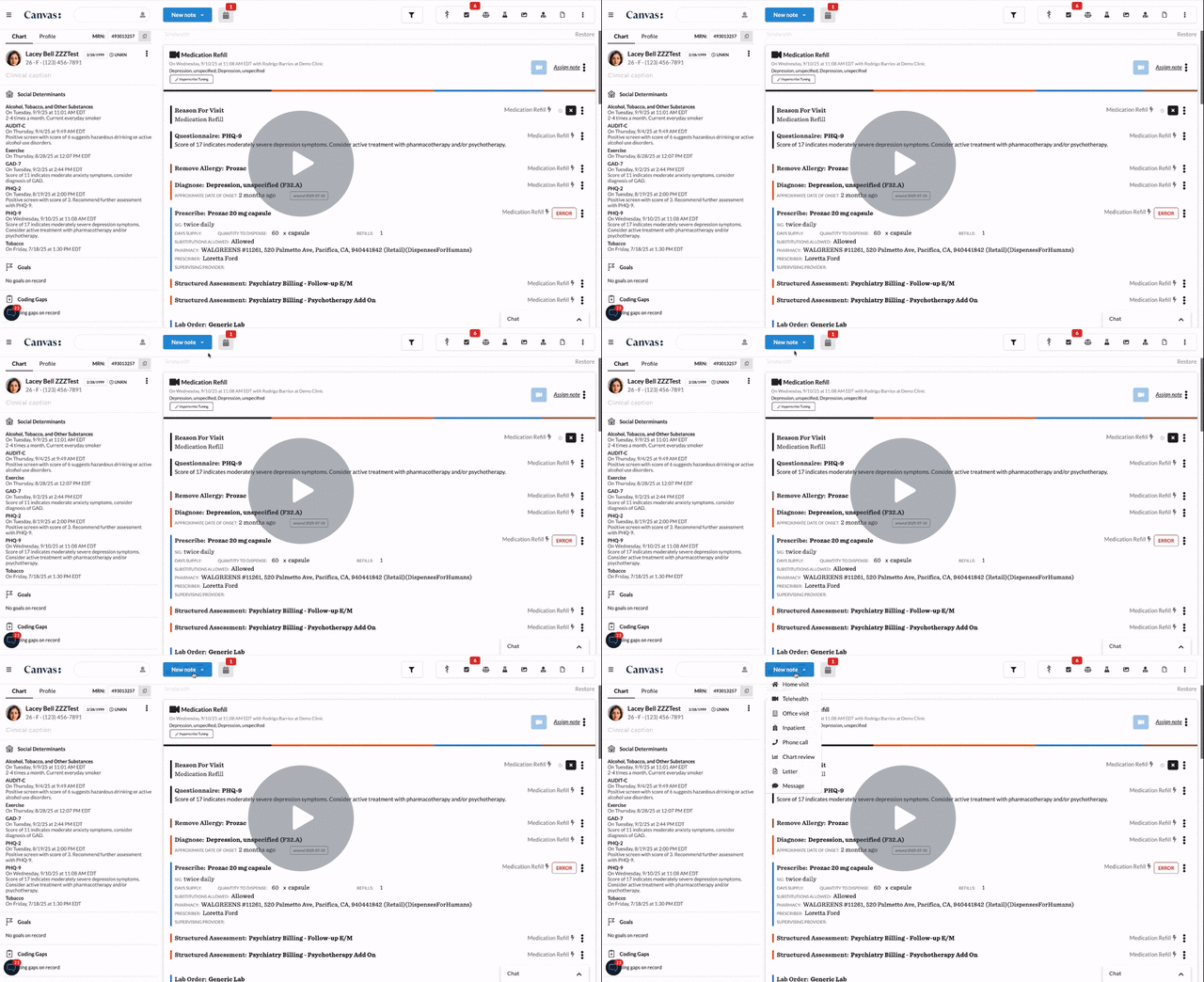
Purpose of this Video
This tutorial helps nurse practitioners and office admin staff set up and use dot phrases (pre-defined text snippets) and command instruct workflows in the Canvas EHR system. The goal is to reduce repetitive typing, boost charting speed, and ensure consistent documentation across your team.
What You’ll Learn
-
How to access the dot phrases/shortcuts configuration area in Canvas
-
Creating a dot phrase: defining a trigger (e.g., “.ptedu”) and the template text
-
Using command instruct: how to link commands or shortcuts to workflows and documentation actions
-
Examples of dot phrases for common use cases (patient education instructions, visit summaries, referral templates)
-
Best practices: naming conventions, organizing your dot phrase library, updating templates when workflow changes
-
Testing and using dot phrases and commands seamlessly within patient charts
Key Takeaways
-
Dot phrases significantly cut down charting time and help ensure consistent language and documentation structure.
-
Command instruct workflows pair shortcuts with actions, making repetitive tasks nearly automatic.
-
Well-organized, clearly named dot phrases and commands increase adoption across your team.
-
Regular review and maintenance of your dot phrase library ensures it remains aligned with your practice’s workflows and documentation standards.