
Automating Commands into Templates - Watch Video
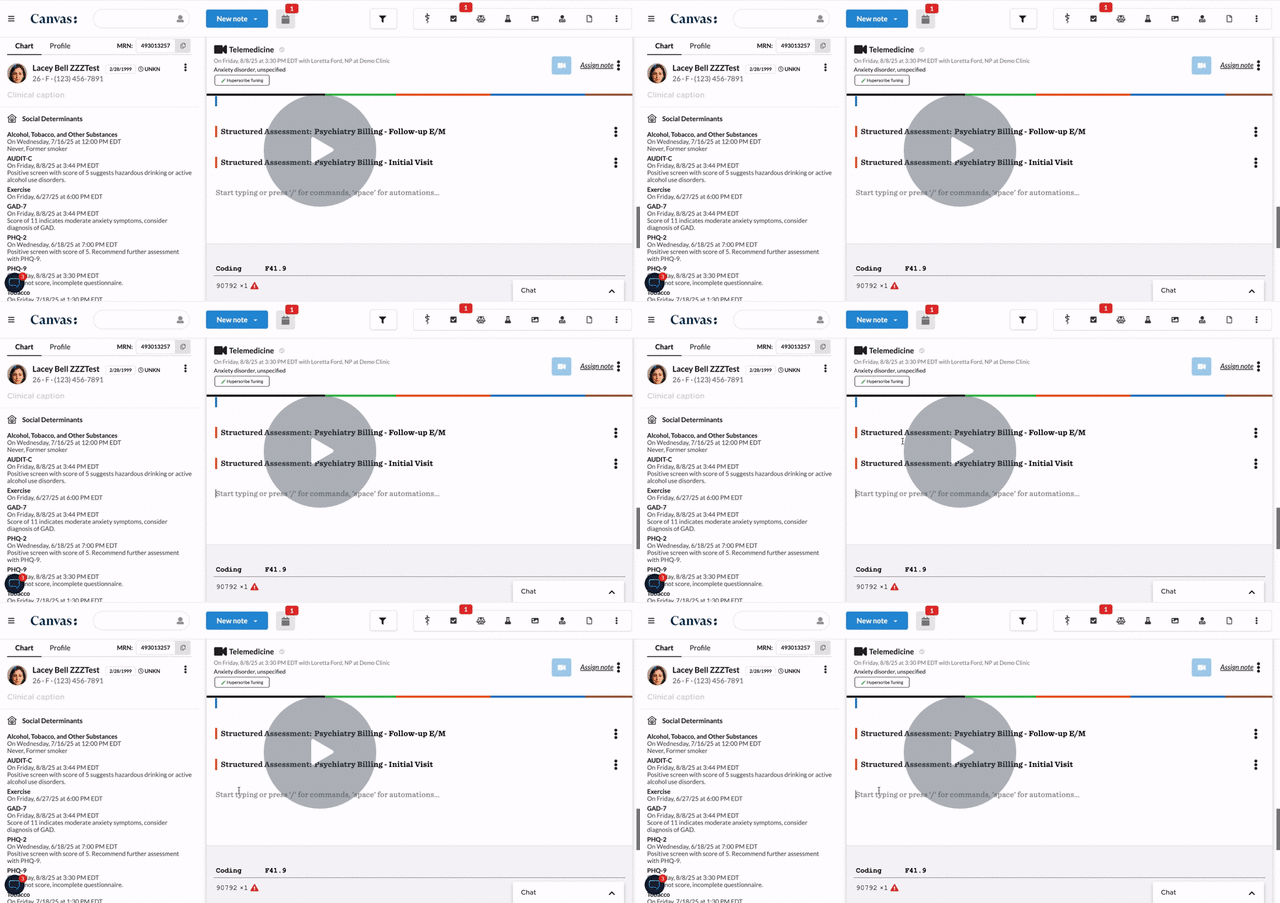
Purpose of this Video
This video helps nurse practitioners and administrative staff understand how to combine commands with templates inside Canvas EHR. By linking commands (such as orders, diagnoses, or tasks) into reusable structured templates, users can automate repetitive charting steps, improve accuracy, and maintain consistency across clinical workflows.
What You’ll Learn
-
How to open and edit a structured template within Canvas EHR
-
Adding commands into templates to trigger automated actions (e.g., inserting orders, tasks, or notes)
-
How command-driven templates streamline charting for common visit types or follow-ups
-
Using commands for protocol-based documentation to standardize care delivery
-
Tips for testing templates and ensuring commands fire correctly
-
Best practices for updating templates as workflows or protocols evolve
Key Takeaways
-
Embedding commands inside templates transforms static text into actionable workflows.
-
Automating common clinical steps (like adding diagnoses or ordering labs) reduces repetitive data entry.
-
Command automation ensures consistency, accuracy, and compliance with practice standards.
-
Regular review of automated templates helps maintain efficiency as your workflows grow or change.
-
Combining templates and commands is a key strategy for scaling your team’s documentation efficiency in Canvas EHR.