Patient Experience
Once a patient is registered on the Prax Medical Portal, they may upload documents by selecting Documents, and then clicking Upload document.
File restrictions do apply - Only file formats that are jpeg, png & pdf, less than 10MB.

Once uploaded, Patients may continue to upload documents or review any prior submitted documents under the Uploaded tab.
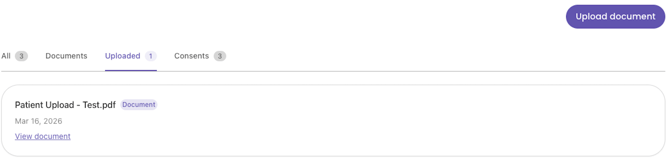
Note: Once a document has been uploaded, the file may not be removed. Only providers may do so on their Canvas EHR workspace.
Provider Experience
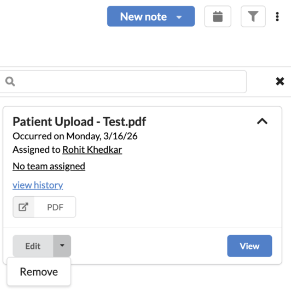
Search for your patient on your Canvas EHR workspace and click the Paper Icon on the top-right corner.
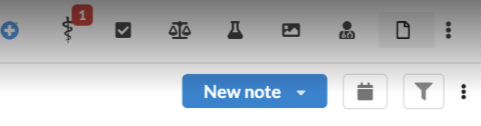
Any documents uploaded by the patient will toggle, which allows you to view or edit the document.