
Quick Automation Setup Guide - Watch Video
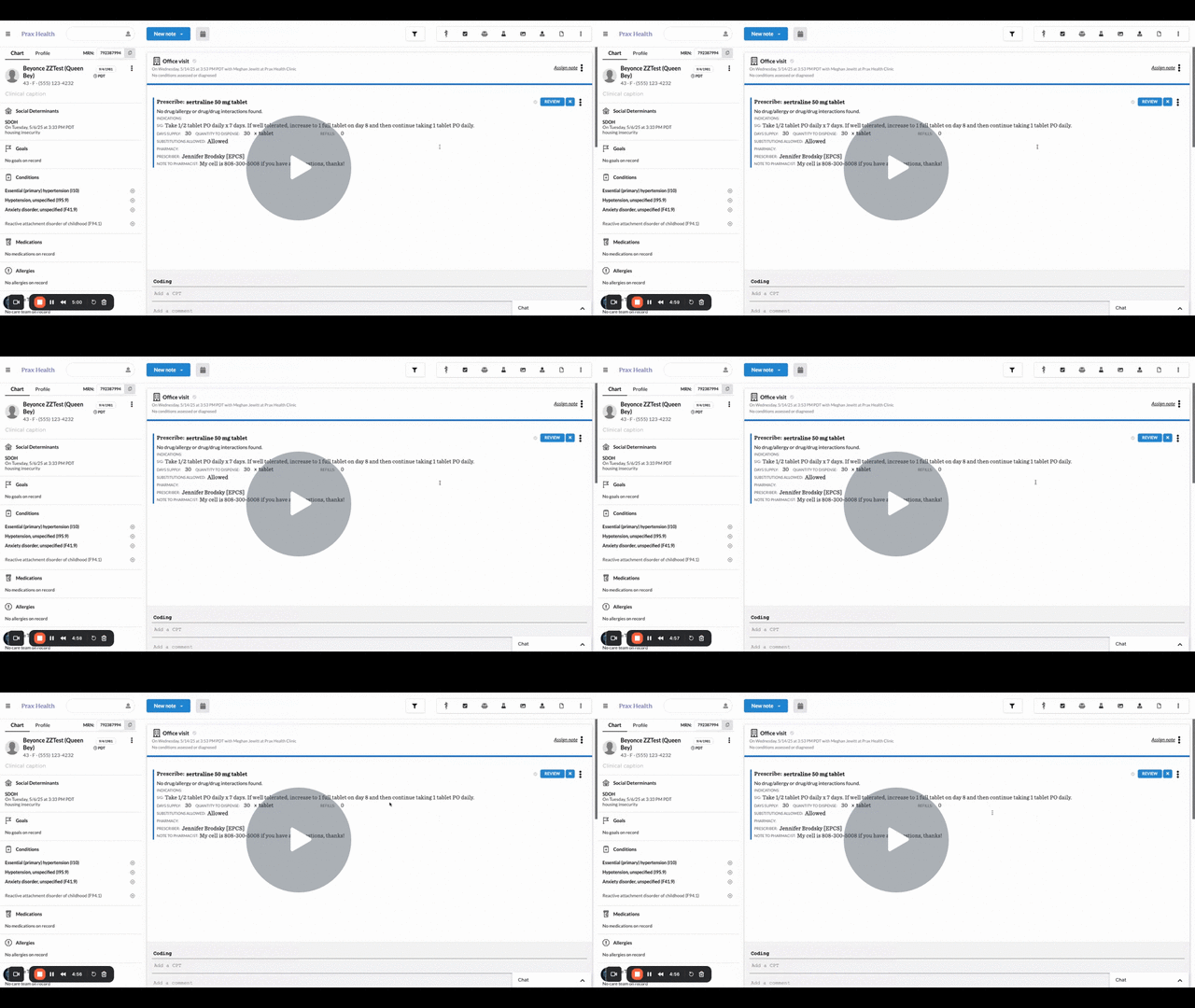
Purpose of this Video
This video is designed to guide nurse practitioners and office administrators through the process of configuring and enabling automations in the Canvas EHR platform. By watching and following along, users will be able to reduce repetitive tasks, improve consistency in workflows, and free up time for more patient-focused work.
What You’ll Learn
-
How to access the automation settings area in Canvas
-
Steps to create a new automation (trigger → condition → action)
-
Common use-cases: refill requests, follow-up reminders, missed appointment workflows
-
How to test and validate the automation to ensure it fires correctly
-
Tips for ongoing management: editing, deactivating, and tracking automation performance
Key Takeaways
-
Automations help minimize manual work and reduce the chance of tasks falling through the cracks.
-
Setting up an automation involves selecting the right trigger, defining the condition, and specifying the action – the logic must be clear.
-
Testing your automation before you go live ensures that the workflow acts exactly how you intend.
-
Regular review of automations helps ensure they remain aligned with your practice workflows and don’t become outdated or redundant.